Introduction
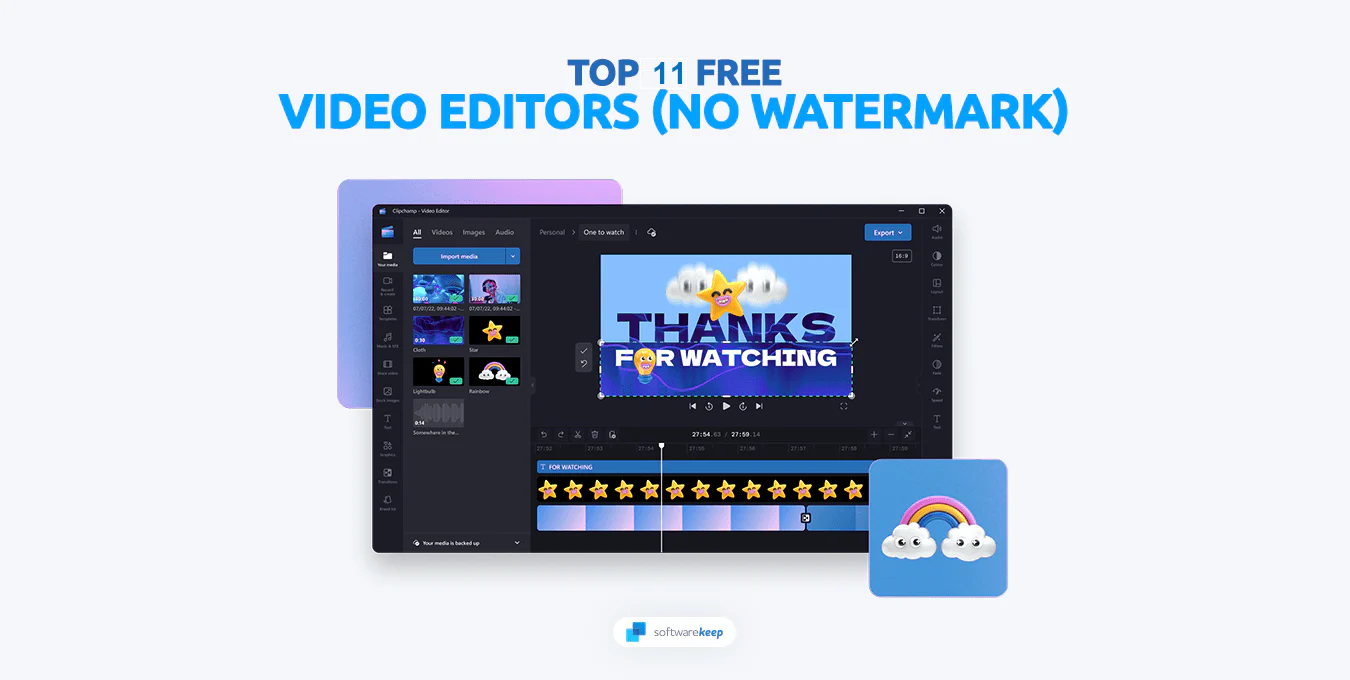
Video editing is an essential skill in 2026, especially with the rise of YouTube, social media, and online content creation. Many beginners think they need expensive software to create professional videos, but that’s not true. There are several free video editing tools available that offer powerful features without any watermark. In this article, we will explore the best free video editing software you can use in 2026.
Top Free Video Editing Software
1. DaVinci Resolve
DaVinci Resolve is one of the most powerful free video editing tools available. It offers advanced features like color grading, visual effects, and professional editing tools. It is suitable for both beginners and professionals.
2. CapCut
CapCut is a popular and easy-to-use video editing tool. It offers features like transitions, filters, and AI tools, making it perfect for social media content creators.
3. Shotcut
Shotcut is an open-source video editor that supports a wide range of formats. It is lightweight and great for beginners who want simple editing tools.
4. OpenShot
OpenShot is another beginner-friendly video editing software. It has a simple interface and basic editing features that are easy to learn.
5. HitFilm
HitFilm offers both video editing and visual effects features. It is ideal for creators who want to add cinematic effects to their videos.
Features to Look For
When choosing a video editor, consider:
- No watermark
- Easy interface
- Support for multiple formats
- Advanced features like effects and transitions
- Performance on your device
Tips for Beginners
- Start with simple edits
- Learn basic cuts and transitions
- Practice regularly
- Watch tutorials to improve skills
Conclusion
In 2026, you don’t need to spend money to create high-quality videos. Free video editing software offers powerful tools that can help you produce professional content. Choose the software that matches your needs and start practicing to improve your editing skills.