Introduction
Graphic designing has become an essential skill in 2026, whether you are a student, blogger, or content creator. The good news is that you don’t need expensive software to create professional designs. Many free tools now offer powerful features that can help you design social media posts, thumbnails, presentations, and more. In this article, we will explore the best free graphic design tools you can use in 2026.
Top Free Graphic Design Tools
1. Canva
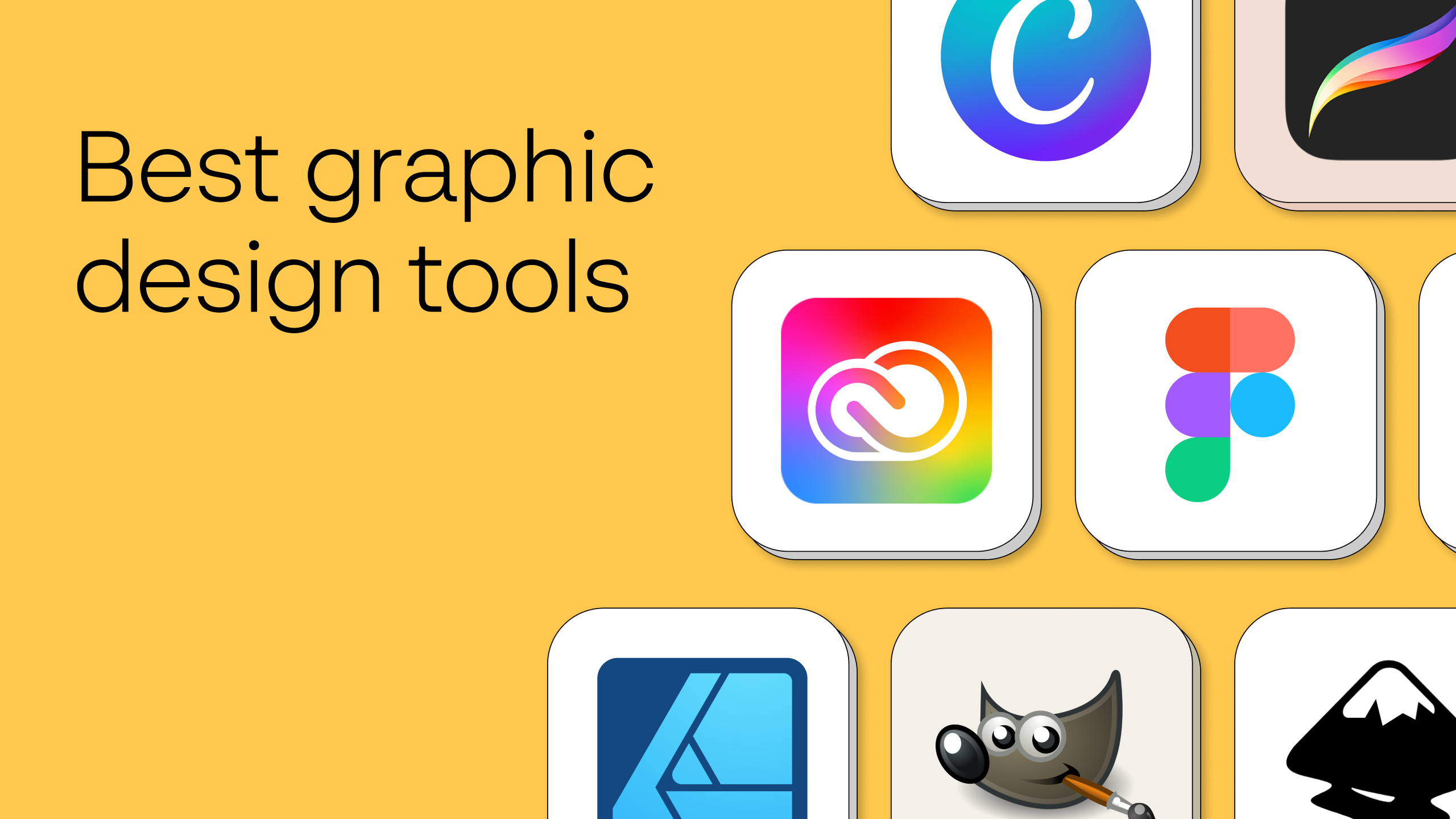
Canva is one of the most popular design tools available today. It offers thousands of templates, fonts, and graphics that make designing easy even for beginners. You can create social media posts, presentations, and thumbnails within minutes.
2. Adobe Express
Adobe Express provides powerful design features with a simple interface. It is perfect for creating quick and professional designs without needing advanced skills.
3. Figma
Figma is widely used for UI/UX design and collaboration. It allows multiple users to work on the same design project in real time.
4. Pixlr
Pixlr is a free online photo editor that offers features similar to Photoshop. It is great for editing images and creating simple graphics.
5. Remove.bg
This tool helps you remove backgrounds from images instantly. It is very useful for creating clean and professional visuals.
Why Use Free Design Tools?
Free design tools are perfect for beginners and small creators because they:
- Save money
- Are easy to use
- Offer ready-made templates
- Help create professional designs quickly
Tips for Better Designing
- Keep your designs simple and clean
- Use consistent colors and fonts
- Focus on readability
- Avoid overcrowding elements
Conclusion
Graphic designing in 2026 is easier than ever with free tools available online. Whether you are creating content for social media or working on projects, these tools can help you design like a professional without spending money. Start with simple tools like Canva and gradually explore more advanced options.